Remove Image
Background
100% Automatically andFree
or drop a file,
No image?
Try one of these:




By uploading an image or URL you agree to our Terms of Service. To learn more about how byebyebg handles your personal data, check our Privacy Policy.
Stunning quality

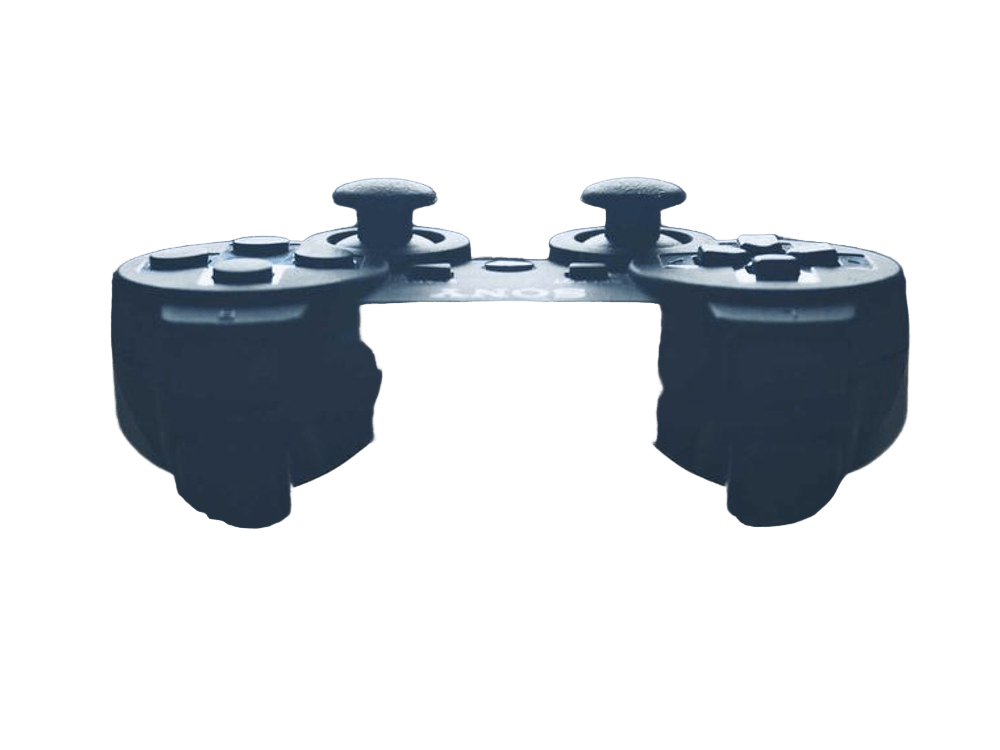
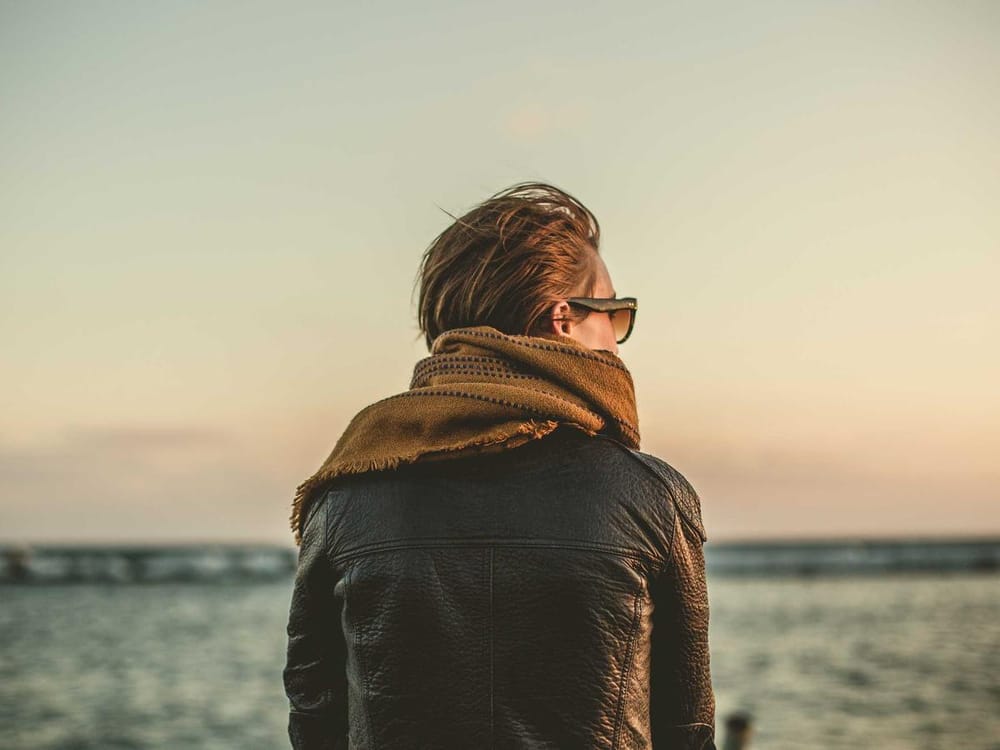
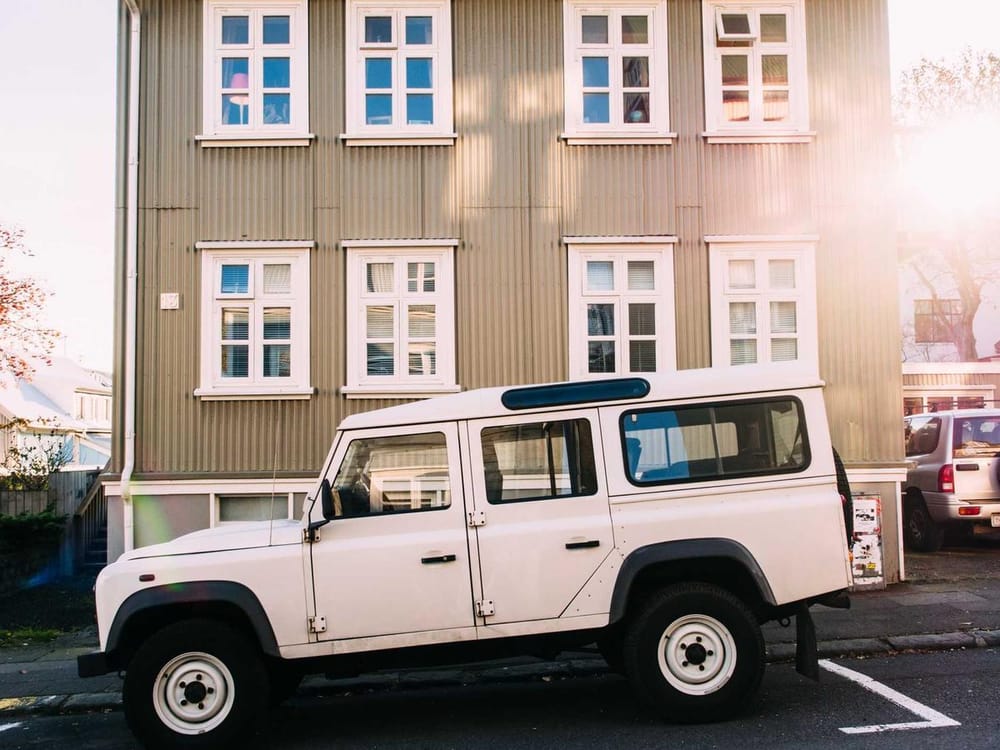
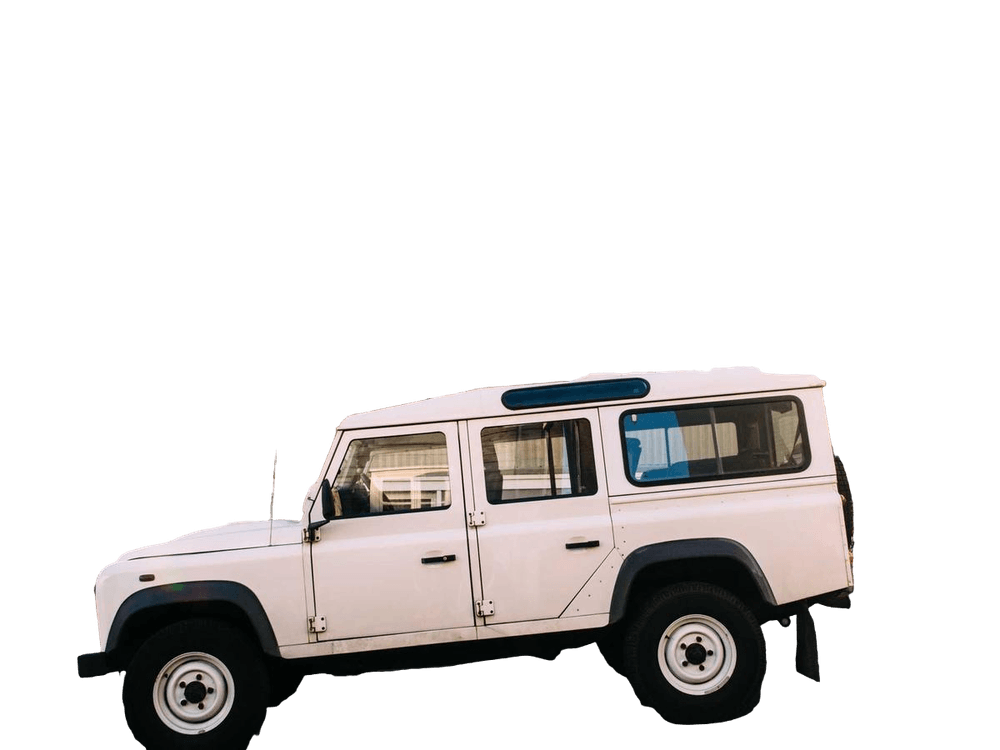
Drag the handle to compare. Every example above was cut out by the same engine you get in the editor.
The background remover that just works
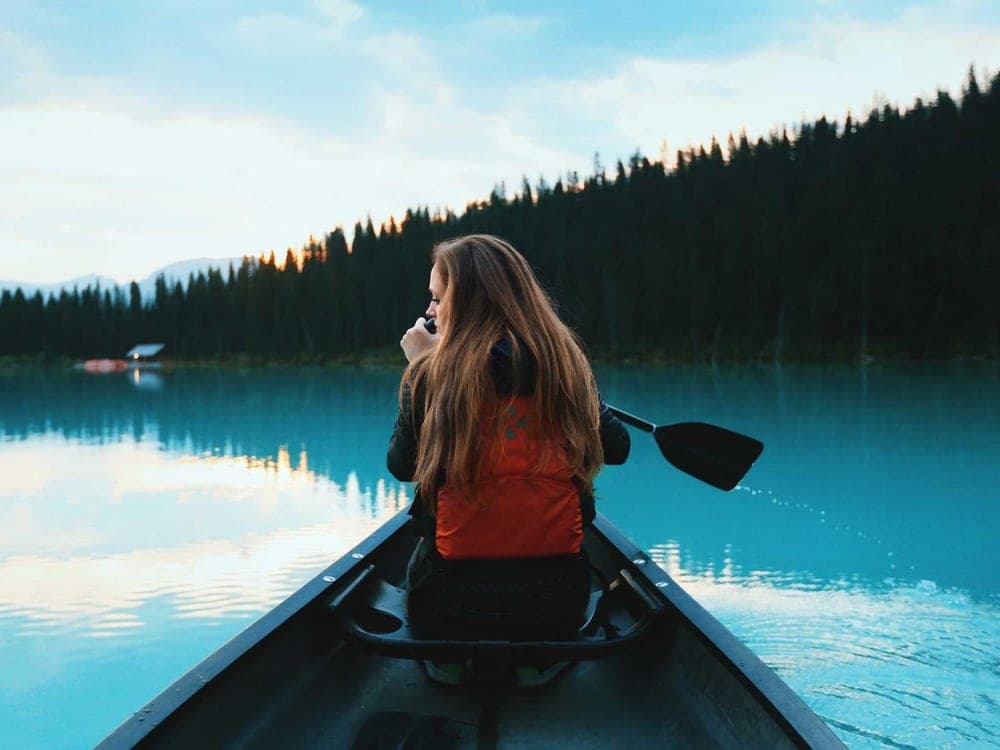
byebyebg isolates the subject of a photo with an AI matting model, so soft edges, hair and fur come out clean instead of jagged. Upload a picture and get a transparent PNG back in seconds.
Need a white background for a listing, a colour for a banner, or a transparent cut-out for a logo? Pick it in the editor and download. That is the whole workflow.
Remove a background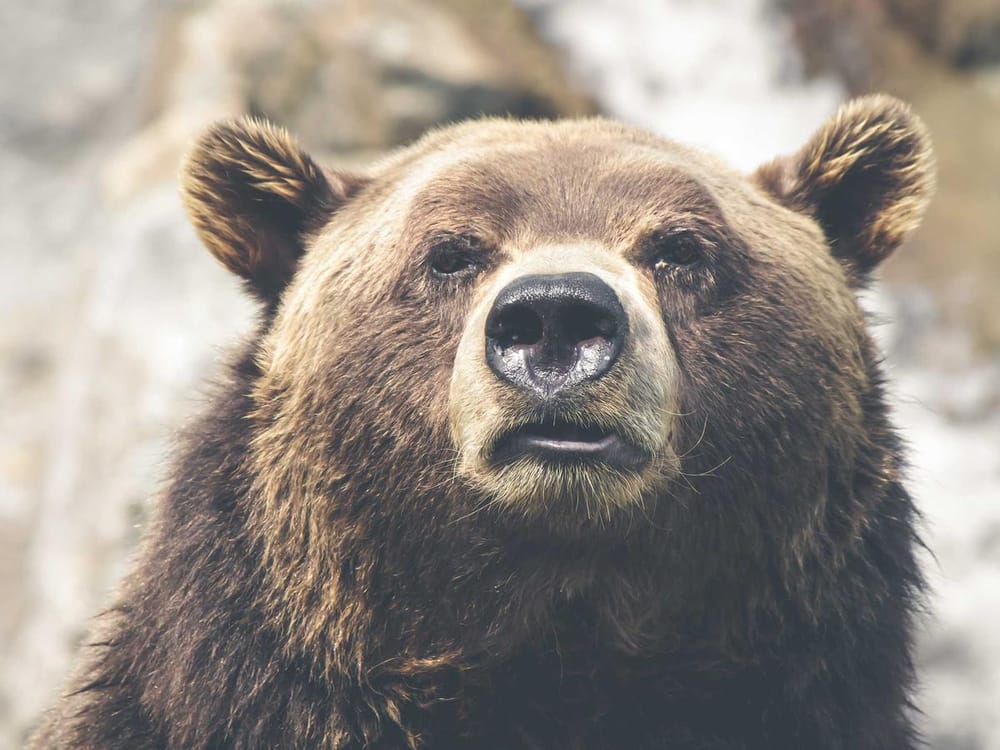
One tool, endless uses
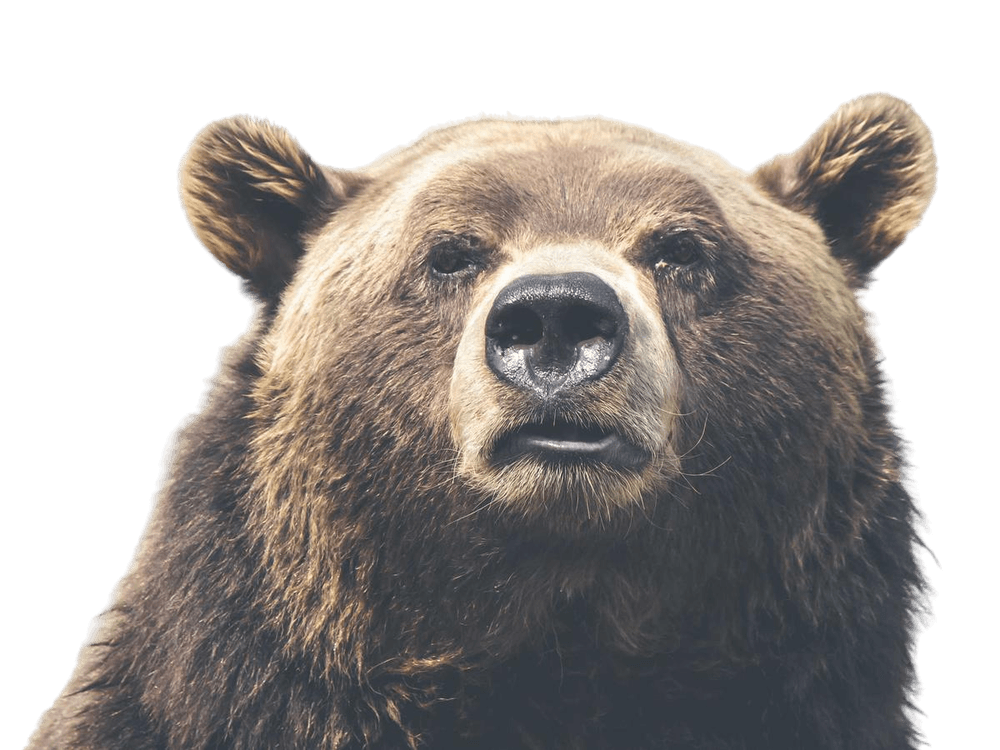
Set a product on white for a flawless listing, cut a portrait out for a headshot, or make a transparent PNG for a logo. Whatever you need, byebyebg saves you the masking and gets you a clean result in seconds.
Make any photo pop
Cut yourself out of a snapshot, drop the result onto a new backdrop, and share a profile picture, meme or invitation that looks deliberately made.

Three steps, no sign-up
- 1
Upload
Drop a JPG, PNG or WebP, paste an image, or paste a link. Up to 12 MB.
- 2
Let the AI work
The matting model finds the subject and builds a soft, accurate alpha mask. A few seconds.
- 3
Download
Keep it transparent or choose a background colour, then download the full-resolution PNG.
Just picture it
People
Products
Animals
Cars
Questions, answered
- Is byebyebg really free?
- Yes. Every result is free and downloads at the full resolution of the image you uploaded. There is no watermark and no account.
- Which files can I upload?
- JPG, PNG and WebP images up to 12 MB. You can also paste an image from your clipboard or paste a link to an image.
- How long does it take?
- Usually a few seconds. Large images with a lot of fine detail, such as hair or fur, can take a little longer.
- What happens to my images?
- Your image is sent to the DTF.nl AI matting engine to compute the cut-out, and the result is handed straight back to your browser. See the privacy policy for the details.
- Can I change the background colour?
- Yes. After the background is removed you can keep it transparent or pick any colour before downloading. The colour is composited in your browser.
Endless possibilities
Remove Image BackgroundGet a transparent background for any image.
or drop a file,
No image?
Try one of these:
By uploading an image or URL you agree to our Terms of Service. To learn more about how byebyebg handles your personal data, check our Privacy Policy.